> ## Documentation Index
> Fetch the complete documentation index at: https://docs.guardion.ai/llms.txt
> Use this file to discover all available pages before exploring further.
# Account Security
> Strengthen your Guardion account with multi-factor authentication.
Multi-factor authentication (MFA) strengthens your account security by requiring an additional verification step when you sign in. This helps prevent unauthorized access even if your password is compromised.
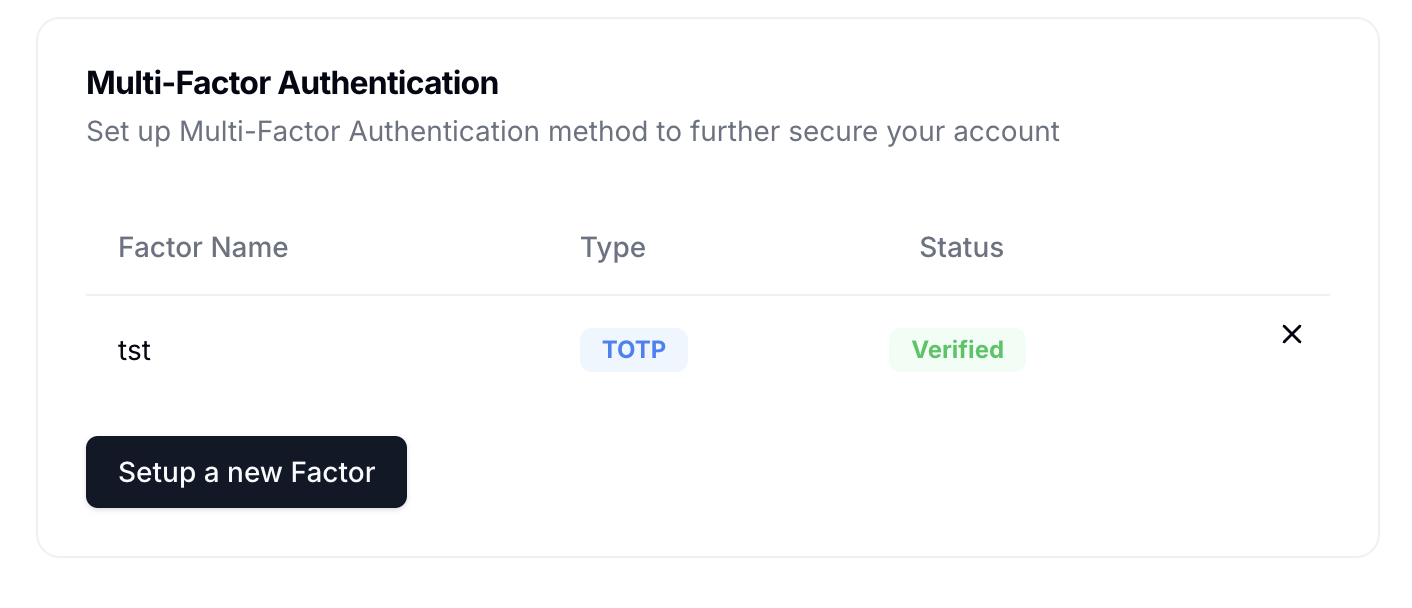 ## Set up MFA
To enable multi-factor authentication:
1. Go to the **Dashboard**
2. Select **Personal Account** → **Settings**
3. In the Multi-factor authentication section, click **Set up**
4. Select your preferred authentication method
5. Complete the verification process by following the on-screen instructions
Once enabled, you'll need to provide both your password and a verification code when signing in to Guardion.
## Available authentication methods
Guardion supports several authentication methods to accommodate different security needs:
| Method | How it works | Security level |
| -------------------------------- | ------------------------------------------------------------------------------------------ | ------------------------------------------------------------------ |
| Authenticator app | Uses a TOTP-compatible app like Google Authenticator or Authy to generate time-based codes | Recommended: Highest security, works without internet connection |
| SMS verification (Coming soon) | Delivers verification codes via text message to your registered phone number | Medium security: Convenient but vulnerable to SIM swapping attacks |
| Email verification (Coming soon) | Sends verification codes to your registered email address | Basic security: Use only when other methods aren't available |
We strongly recommend using an authenticator app for optimal security.
## Set up MFA
To enable multi-factor authentication:
1. Go to the **Dashboard**
2. Select **Personal Account** → **Settings**
3. In the Multi-factor authentication section, click **Set up**
4. Select your preferred authentication method
5. Complete the verification process by following the on-screen instructions
Once enabled, you'll need to provide both your password and a verification code when signing in to Guardion.
## Available authentication methods
Guardion supports several authentication methods to accommodate different security needs:
| Method | How it works | Security level |
| -------------------------------- | ------------------------------------------------------------------------------------------ | ------------------------------------------------------------------ |
| Authenticator app | Uses a TOTP-compatible app like Google Authenticator or Authy to generate time-based codes | Recommended: Highest security, works without internet connection |
| SMS verification (Coming soon) | Delivers verification codes via text message to your registered phone number | Medium security: Convenient but vulnerable to SIM swapping attacks |
| Email verification (Coming soon) | Sends verification codes to your registered email address | Basic security: Use only when other methods aren't available |
We strongly recommend using an authenticator app for optimal security.